
魅惑的なポイントアンドクリックスタイルのRPGとして、早期アクセスとなっているBrighter Shores。
今回の記事ではこの「Brighter Shores」の操作に関わる、キーボード設定について解説します。
Brighter Shoresの操作を確認する方法
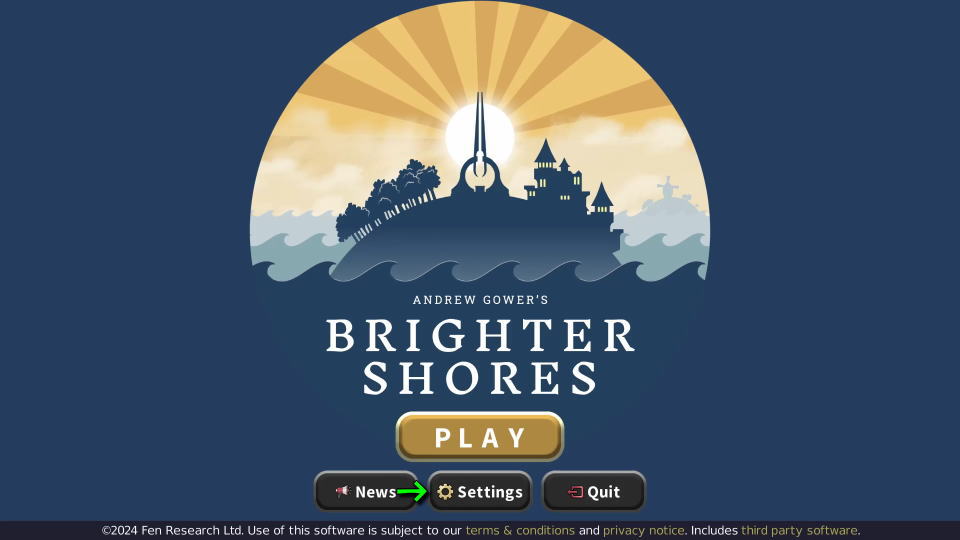
Brighter Shoresの操作を確認するには、起動後のタイトルメニューから「Settings」に進みます。
Settingsに移動したら、画面を下にスクロールします。
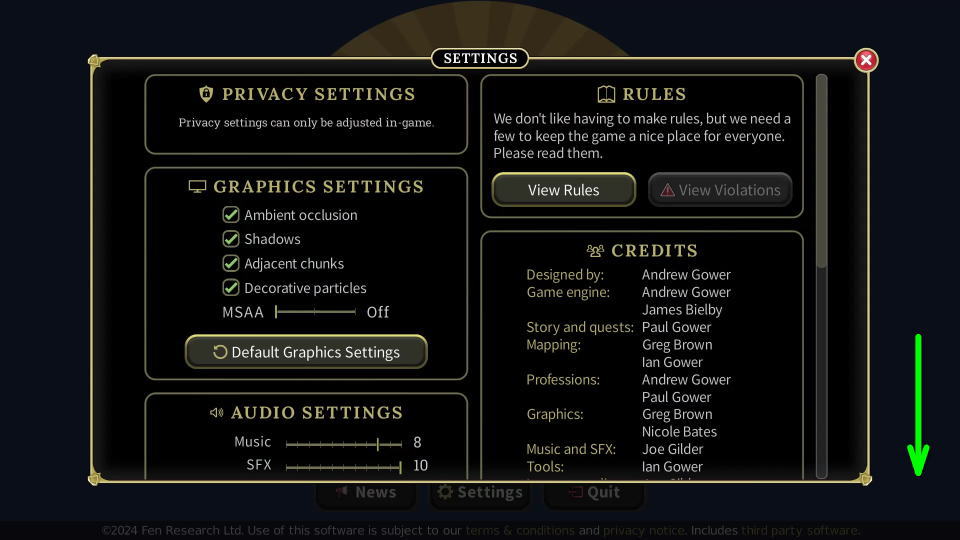
画面左側のCONTROLSにある「Open」を選択します。
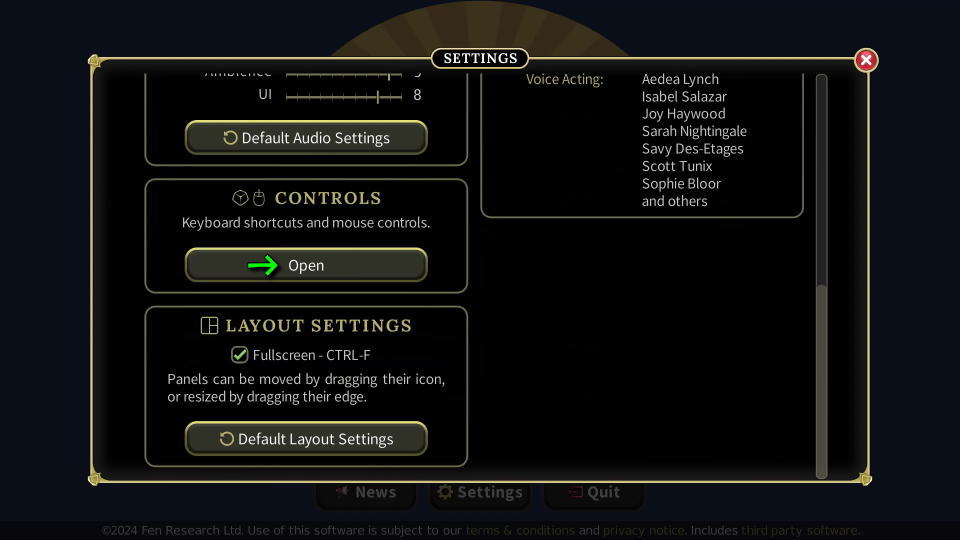
Brighter Shoresのキーボード設定
Brighter Shoresの「キーボード設定」です。
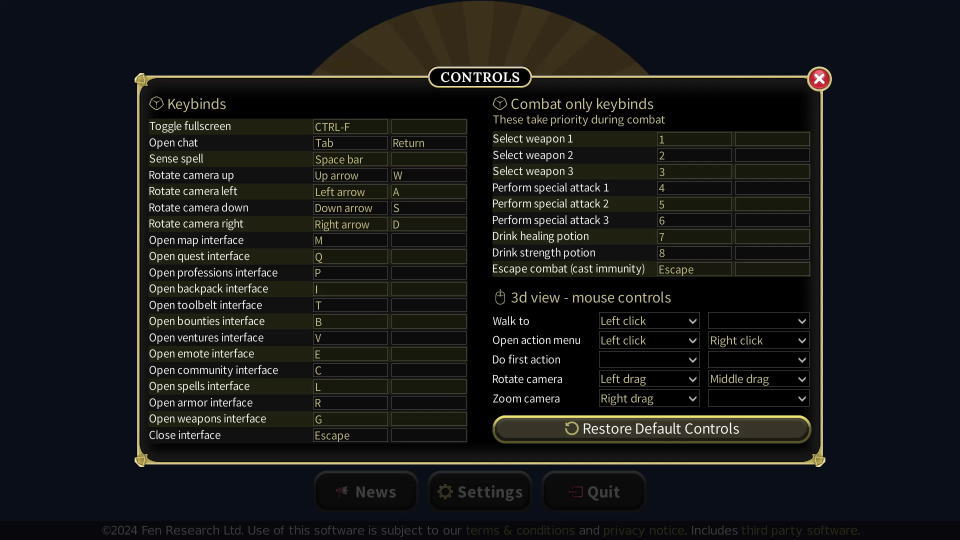
また右下のフォームに「任意の文字列」を入力すると、その文字が含まれる行のみ検索できます。
| キーボード設定 | キー割り当て |
|---|---|
| Toggle fullscreen | Ctrl + F |
| Open chat | Tab / Enter |
| Sense spell | Space |
| Rotate camera up | カーソル上 / W |
| Rotate camera left | カーソル左 / A |
| Rotate camera right | カーソル下 / S |
| Rotate camera down | カーソル右 / D |
| Open map interface | M |
| Open quest interface | Q |
| Open professions interface | P |
| Open backpack interface | I(アイ) |
| Open toolbelt interface | T |
| Open bounties interface | B |
| Open ventures interface | V |
| Open emote interface | E |
| Open community interface | C |
| Open spells interface | L |
| Open armor interface | R |
| Open weapons interface | G |
| Close interface | Esc |
| Select weapon 1 | 1 |
| Select weapon 2 | 2 |
| Select weapon 3 | 3 |
| Perform special attack 1 | 4 |
| Perform special attack 2 | 5 |
| Perform special attack 3 | 6 |
| Drink healing potion | 7 |
| Drink strength potion | 8 |
| Escape combat (cast immunity) | Esc |
| Walk to | 左クリック |
| Open action menu | 左クリック / 右クリック |
| Do first action | |
| Rotate camera | 左クリック&ドラッグ ホイールクリック&ドラッグ |
| Zoom camera | 右クリック&ドラッグ |
公式サイト:Brighter Shores

