立ちはだかる上司や同僚を倒して出世街道を駆け上がる、大乱闘アクションのStick It to the Stickman。
今回の記事ではこの「Stick It to the Stickman」のキーボードや、コントローラーの設定を解説します。
Stick It to the Stickmanの操作を確認する方法
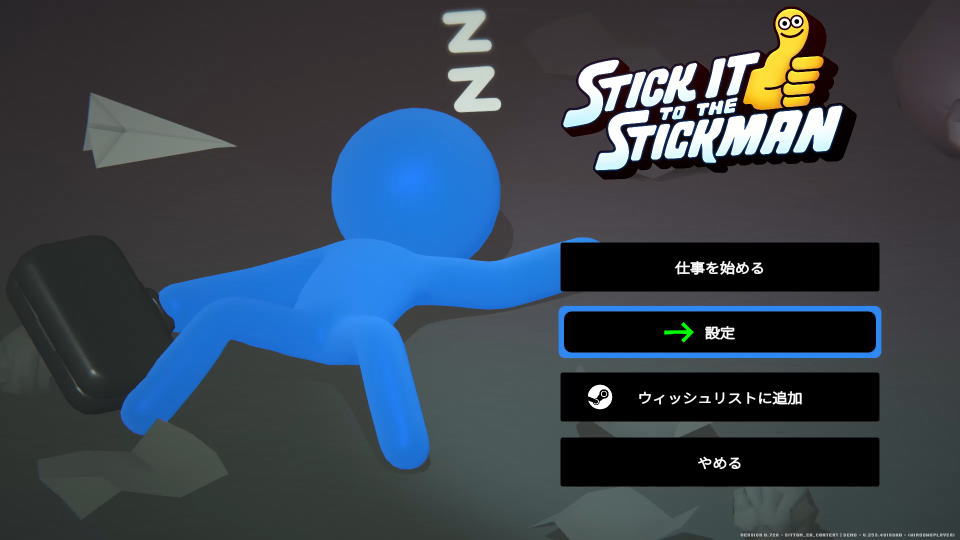
Stick It to the Stickmanの操作を確認するには、タイトルメニューから「設定」に進みます。
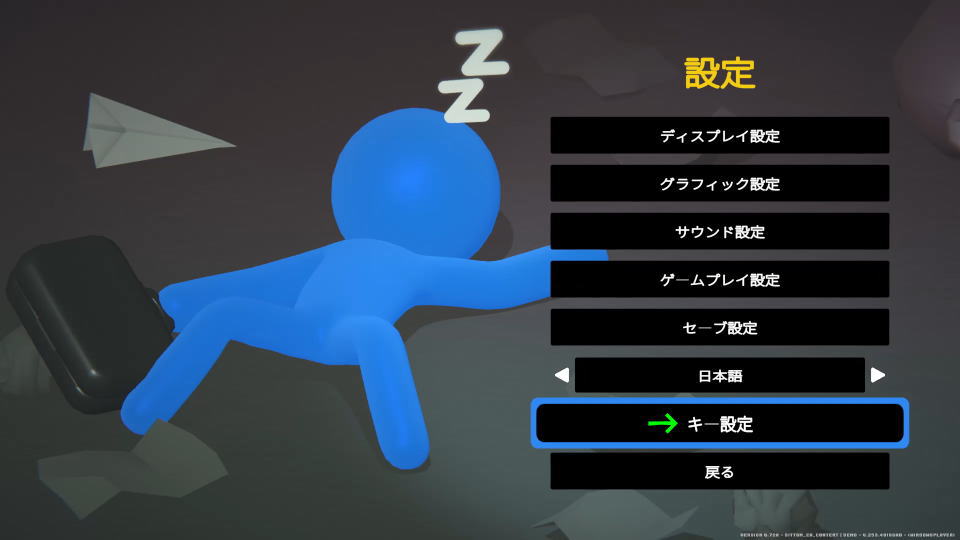
設定に移動したら、下から2番目にある「キー設定」を選択します。
Stick It to the Stickmanのキーボード設定
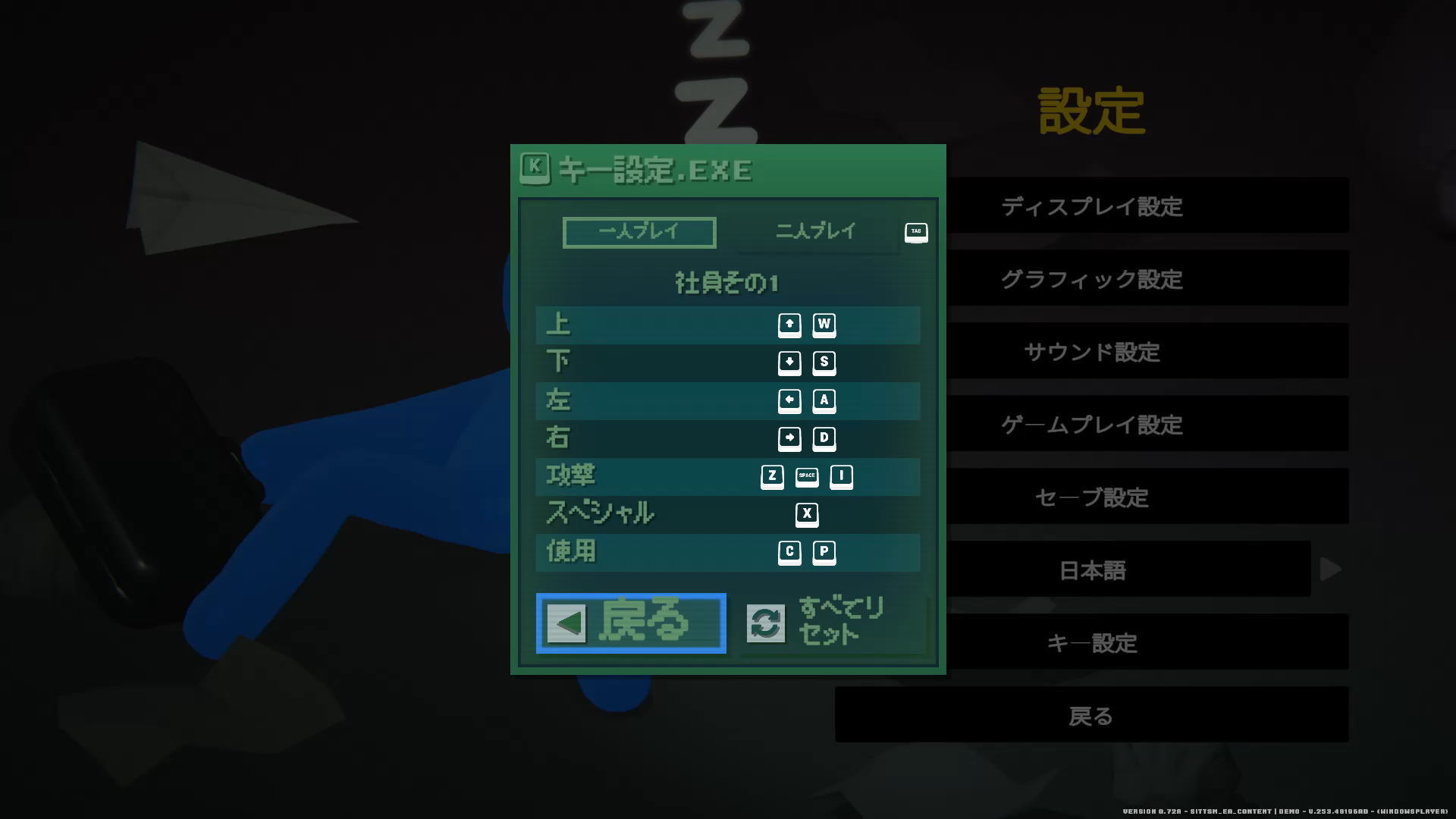
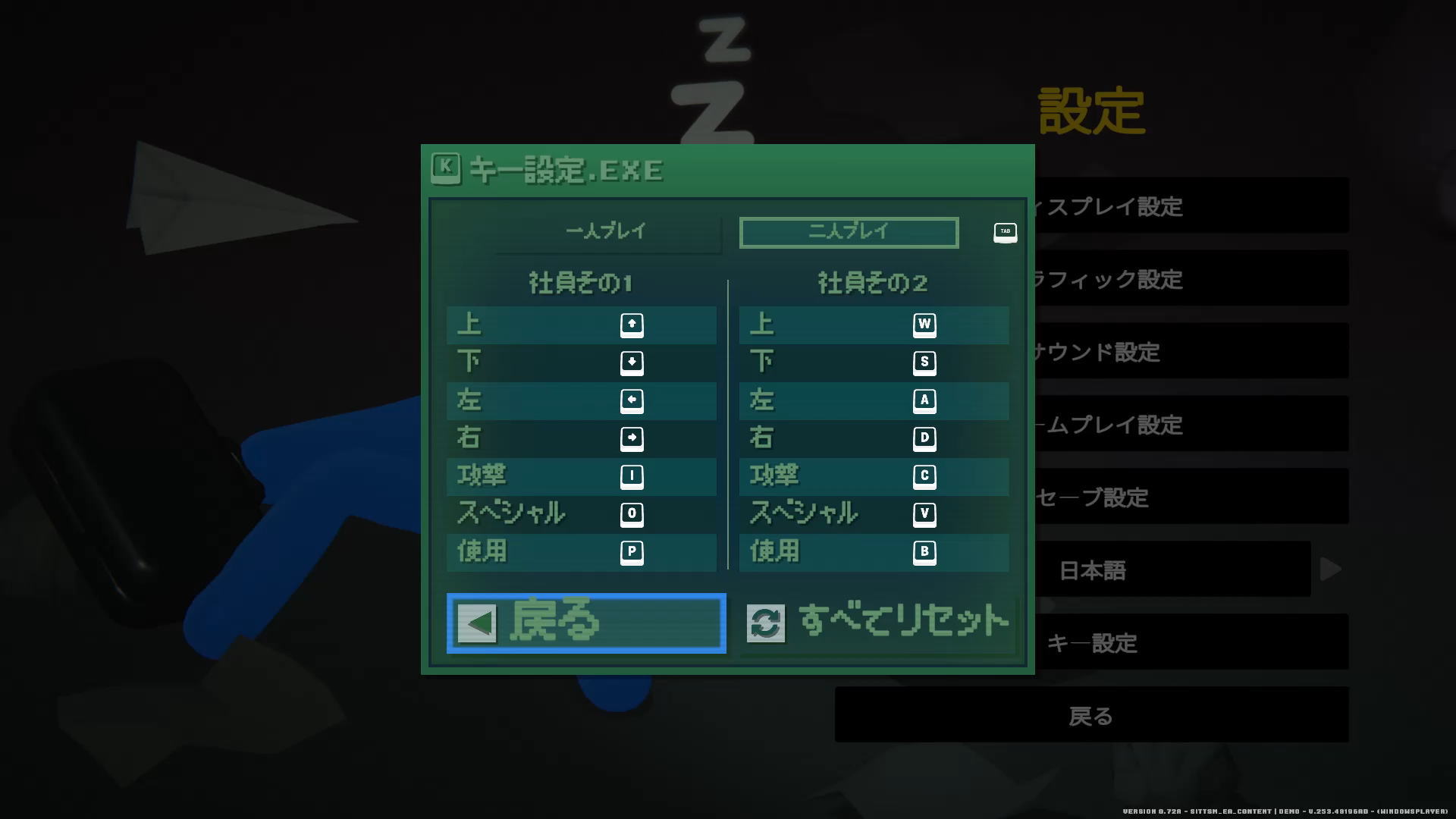
Stick It to the Stickmanの「キーボード設定」です。
| キーボード設定 | キー割り当て |
|---|---|
| 上 | カーソル上 / W |
| 下 | カーソル下 / S |
| 左 | カーソル左 / A |
| 右 | カーソル右 / D |
| 攻撃 | Z / Space / I(アイ) |
| スペシャル | X |
| 使用 | C / P |
Stick It to the Stickmanのコントローラー設定
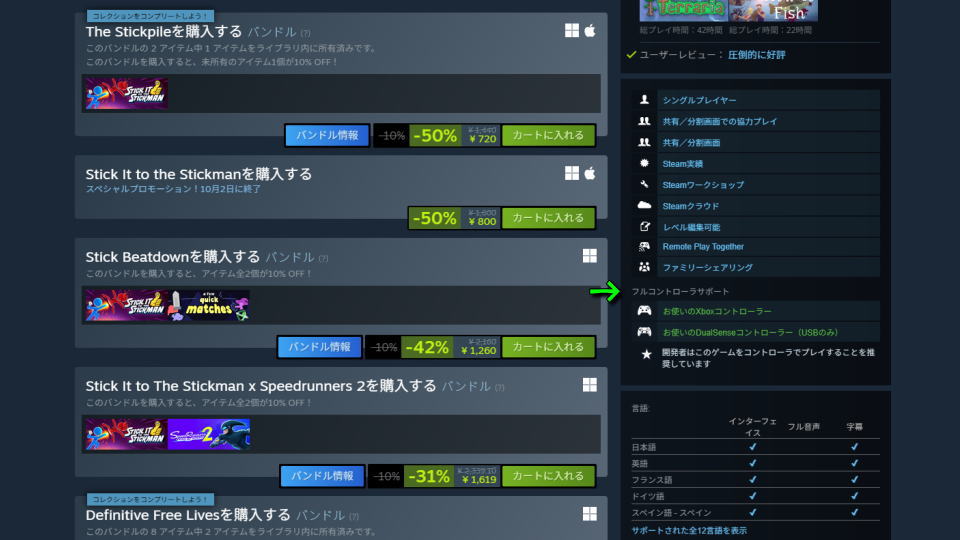
Stick It to the Stickmanは「フルコントローラサポート」かつ「開発者はこのゲームをコントローラでプレイすることを推奨しています」とのことです。
しかし今回検証した体験版ではコントローラーが反応せず、ボタン割り当ても行えませんでした。
Xbox Game Passの価格を見る
Game Pass Ultimateは、月額わずか「1,550円」で対象のゲームが遊び放題になるサービスです。
一部のゲームは発売日当日からプレイできるため、購入することなく新作が遊べてしまいます。


公式サイト:Stick It to the Stickman