すべてが努力によって得られる昔ながらの成長システムが体験できるという、MMORPGのWinds of Valen。
今回の記事では、シームレスなオープンワールドを採用した「Winds of Valen」の操作方法を解説します。
Winds of Valenの操作を確認する方法
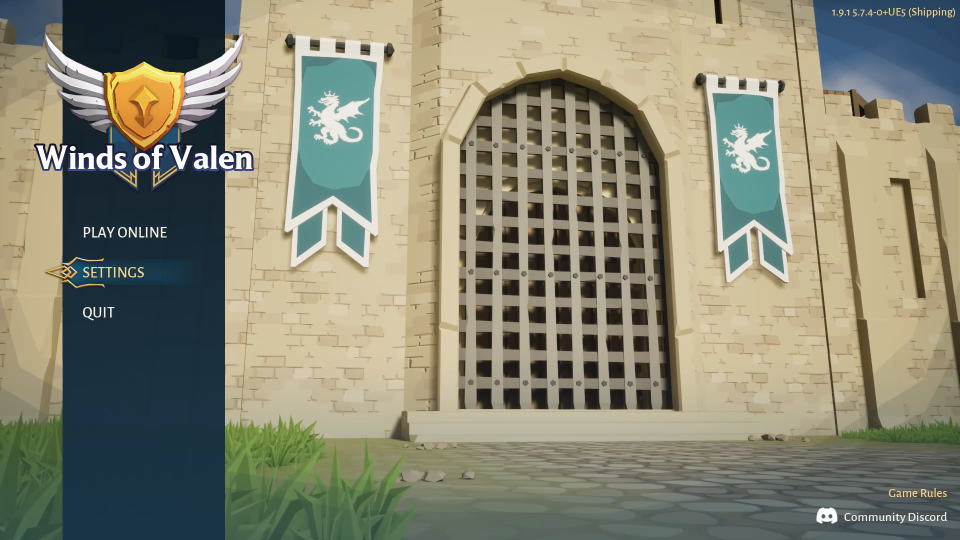
Winds of Valenの操作を確認するには、タイトルメニューから「SETTINGS」に進みます。
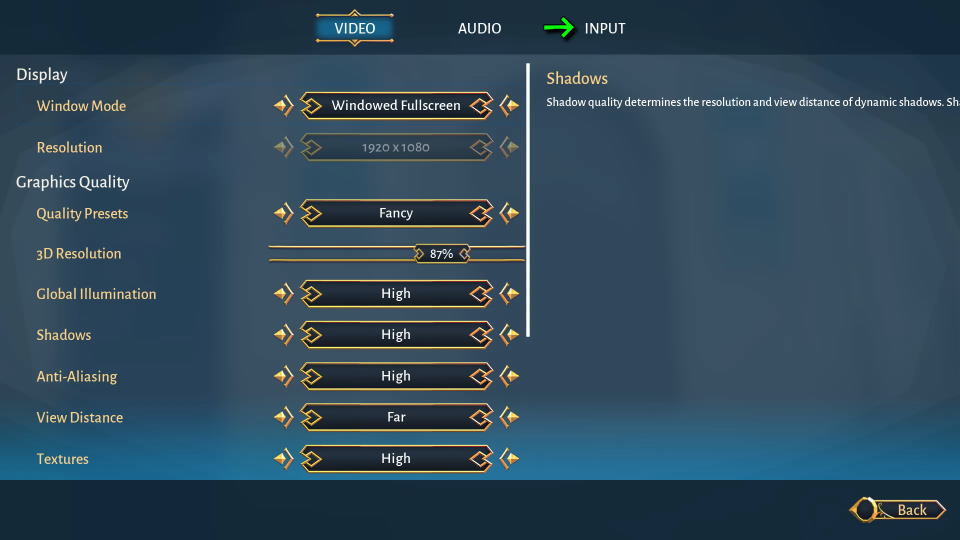
SETTINGSに移動したら、上部のメニューから「INPUT」を選択します。
Winds of Valenのキーボード設定
Winds of Valenの「キーボード設定」です。
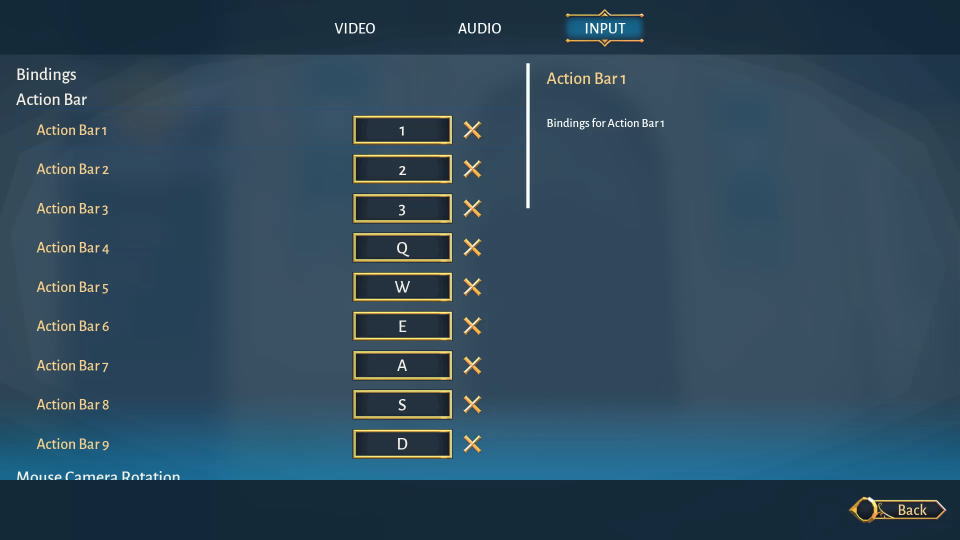
また右下のフォームに「任意の文字列」を入力すると、その文字が含まれる行のみ検索できます。
| キーボード設定 | 日本語訳 | キー割り当て |
|---|---|---|
| Action Bar 1 | アクションバー1 | 1 |
| Action Bar 2 | アクションバー2 | 2 |
| Action Bar 3 | アクションバー3 | 3 |
| Action Bar 4 | アクションバー4 | Q |
| Action Bar 5 | アクションバー5 | W |
| Action Bar 6 | アクションバー6 | E |
| Action Bar 7 | アクションバー7 | A |
| Action Bar 8 | アクションバー8 | S |
| Action Bar 9 | アクションバー9 | D |
| Hold to Rotate Camera | 長押しでカメラを回転 | ホイールクリック |
| Up | 上 | カーソル上 |
| Down | 下 | カーソル下 |
| Right | 右 | カーソル右 |
| Left | 左 | カーソル左 |
| Toggle HUD | HUDの表示/非表示 | F3 |
| Toggle Ground Item Names | 地面アイテム名の表示/非表示 | B |
| Inventory | インベントリ | Z |
| Equipment | 装備 | X |
| Skills | スキル | C |
| Stance | 構え | V |
Xbox Game Passの価格を見る
Game Pass Ultimateは、月額わずか「1,550円」で対象のゲームが遊び放題になるサービスです。
一部のゲームは発売日当日からプレイできるため、購入することなく新作が遊べてしまいます。


公式YouTube:Winds of Valen